Your Gmail, processed before you open it
Sledge Construction AI scans your Gmail for bills, invoices, receipts, lien waivers, and more, then routes everything to the right project automatically. No forwarding required.
Join WaitlistConstruction AI OS
Bid → build → paid, with Gmail still the inbox
Sledge is the construction AI operating system, in open beta. Connect Gmail and the bills, invoices, and lien waivers that land in it turn into project records without anyone forwarding them.
Gmail stays the inbox. Sledge runs the job.
How Sledge works with Gmail
AI finds what matters
Sledge scans Gmail automatically for bills, invoices, receipts, waivers, POs, and change orders.
Every detail extracted
Vendor, amount, dates, line items, and document type pulled from PDFs, images, and email bodies.
Routed to the right project
Sledge learns your jobs and vendors, then files every document where it belongs.
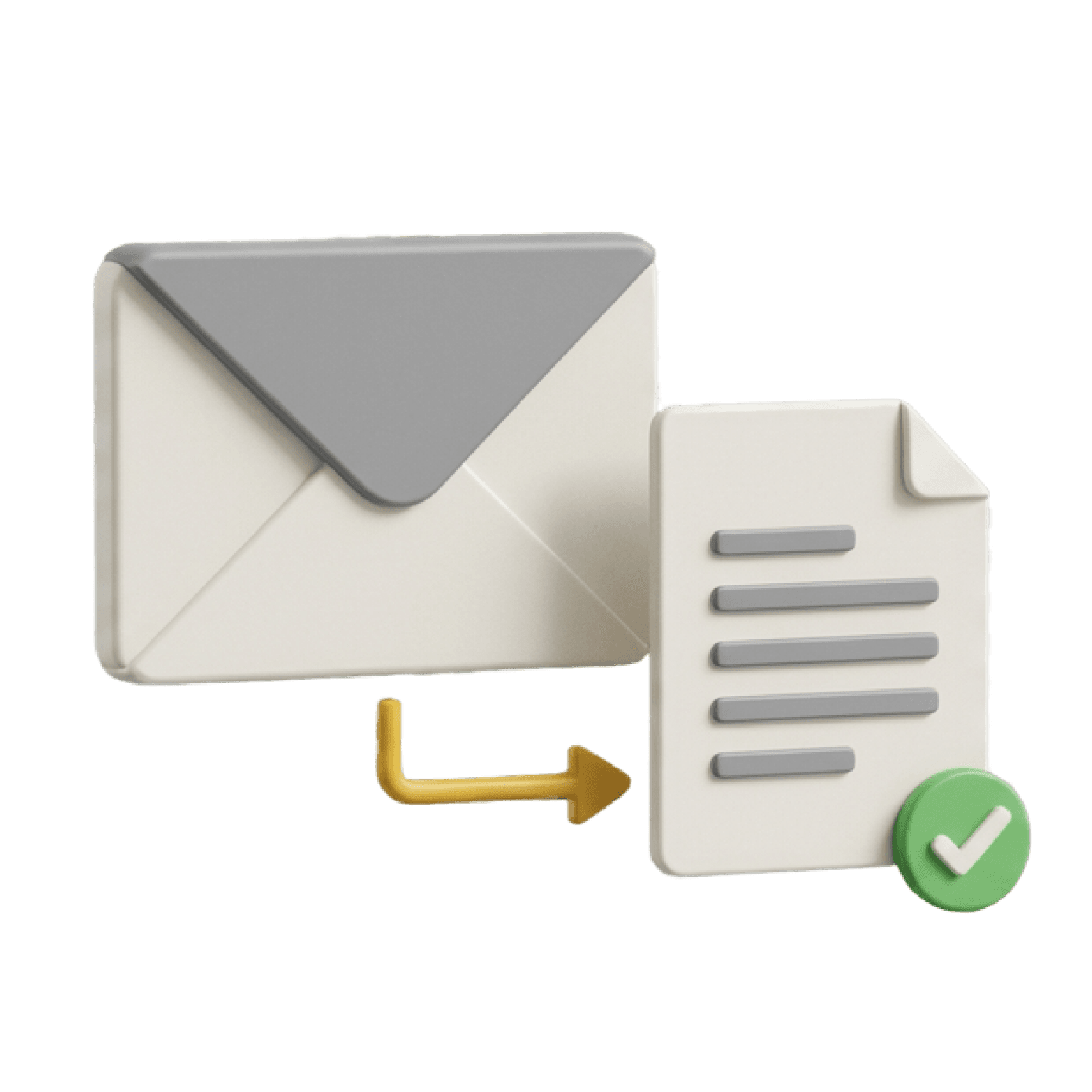
Nothing slips through
Documents buried in threads or attachments are surfaced, structured, and tracked.
What Sledge pulls from Gmail
Sledge reads the inbox you connect, from the start date you choose, and picks out the construction paperwork.
Scan, no forwarding
Sledge scans Gmail for bills, invoices, receipts, lien waivers, purchase orders, and change orders. No forwarding is required.
Extracted fields
Vendor, amount, dates, line items, and document type are pulled from PDFs, images, and email bodies.
Filed to the job
Sledge learns your jobs and vendors and files each document to the right project, including documents buried in threads or attachments.
Reviewed, then approved
Captured bills wait for a person to review and approve them. Once approved, they can be paid in Sledge and sent to QuickBooks if it is connected.
What stays in Gmail
Sledge structures and files job documents. Your mailbox stays in Google.
Your conversations
Email stays in Gmail. Sledge copies out the documents it needs and leaves the thread where it is.
Your mail client
Keep reading and writing mail in Gmail on any device.
Google Workspace controls
Gmail search, labels, and your Google Workspace admin policies stay in Google.
Setup
Connect a Gmail inbox in a few clicks.
- 1
Open Connectors
In Sledge, open Settings, then Connectors, then Gmail, and click Connect.
- 2
Authorize Google
Sign in with Google and approve access. Sledge requests the gmail.readonly and gmail.modify scopes, which let it read mail and send the replies you write in Sledge.
- 3
Pick a start date
Choose the date Sledge should start processing email from. Nothing is read until you set it.
- 4
Review in Sledge
Captured documents show up in Sledge as structured records, ready to review and approve.
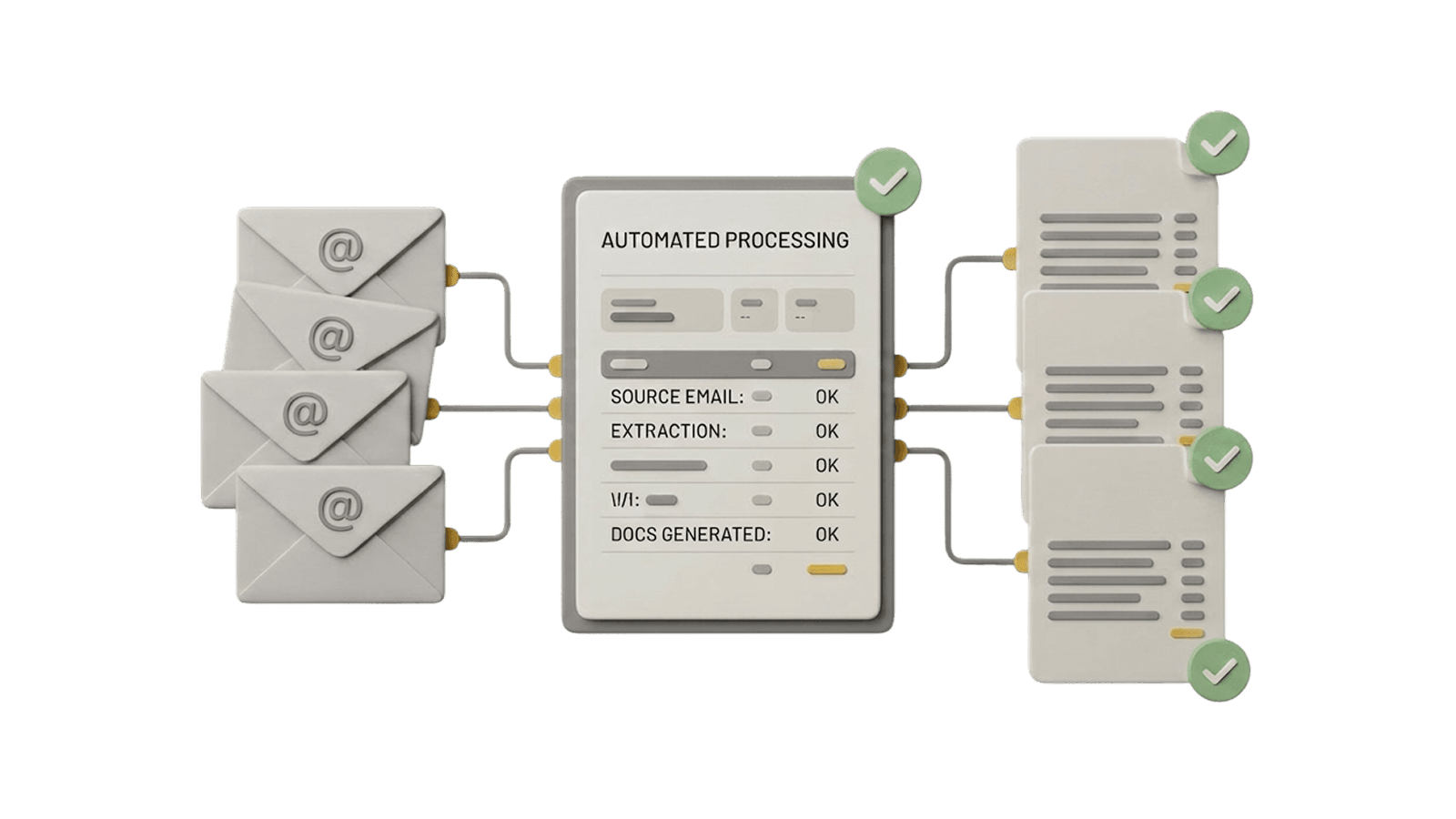
What changes with Gmail on autopilot
No more digging through email
Every job-related email becomes a structured, searchable record.
Clear the document backlog
Bills, waivers, and invoices handled on arrival, not at month-end.
Give your inbox its job back
Email is for conversations, not project management.